Set up a plain background
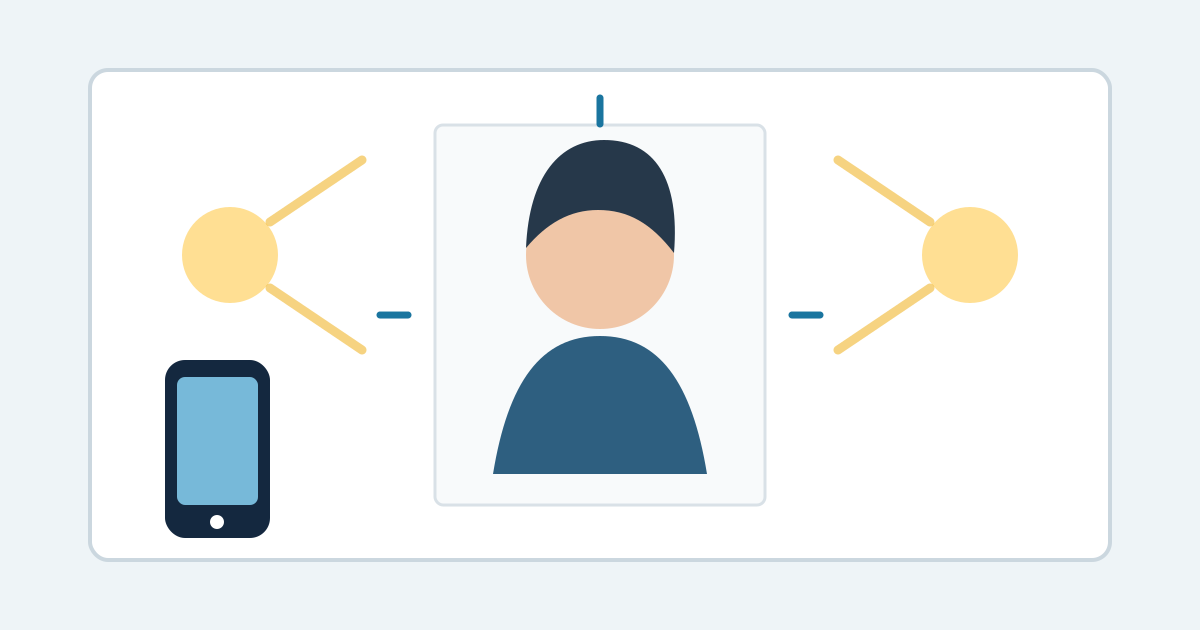
Use a plain white or off-white wall or background with no visible texture, lines, objects, or shadows. Stand several feet in front of it instead of directly against it; that makes background shadows easier to avoid.
Do not plan to replace or clean up the background afterward. The US Department of State says to submit the original photo without filters, artificial intelligence, retouching, or other digital changes.
Use even light and a steady camera
Use soft, even light across the face and background. Avoid a strong ceiling light, a bright light from only one side, harsh flash, and backlighting. Check that skin color looks natural and that the face is neither washed out nor too dark.
Set the phone or camera at eye level, keep it steady, and use its highest-quality setting. Have another person take the photo when possible. A sharp original is safer than a file that has been enlarged or repaired later.
Frame the head and shoulders
Face the camera directly with the head upright, both eyes open, and the full face visible. Use a neutral expression or a natural smile with the mouth closed. Remove eyeglasses and anything that covers the face unless an official medical or religious exception applies.
For a digital online-renewal photo, leave room around the head and include the shoulders. The Department of State application lets you reposition or crop the image during upload.
Keep the correct original for your application
For online renewal, keep the original digital photo unchanged. The current Department of State upload guidance accepts JPG, JPEG, PNG, HEIC, and HEIF files between 54 KB and 10 MB, but you should check the official page again when applying because requirements can change.
Odvero Passport Photo uses only your camera to make a new photo. Download the unchanged original, check your eligibility at opr.travel.state.gov, and upload it yourself while completing the official online-renewal application.
Review before you use the photo
Check the original at full size for blur, grain, red eye, shadows, an uneven background, a tilted head, a covered face, and accidental filters. If the setup is wrong, take a new photo instead of editing the existing one.
Odvero’s checks are advisory. The US Department of State makes the final acceptance decision, and an employee reviews the photo after submission.
Official sources
Passport photo requirements can change. Check the current official guidance before applying.